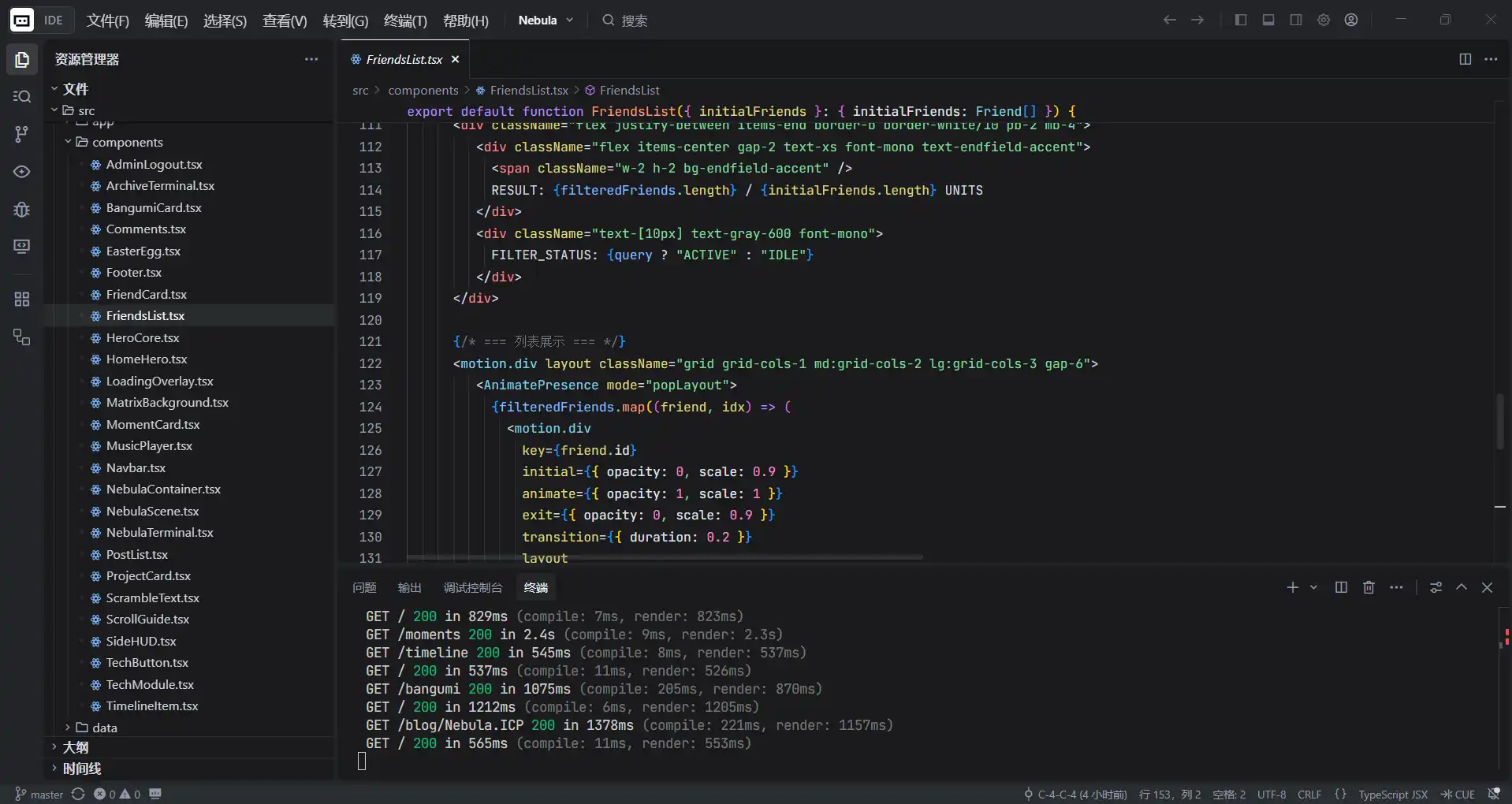
熬了一晚上給網站新增了幾個小功能
2025年12月7日熬夜為網站新增了GitHub倉庫、B站追番列表、音樂播放器、時間線以及RSS訂閱列表等功能,並優化了友鏈頁面。
ss
**2025年12月7日,我好困,凌晨2點一直到現在的7點18分,給網站加了幾個小功能,雖然感覺沒啥特別大的用處就是了 ;m; **
一、新增內容#
1、github倉庫內容頁面#
這個功能的實現核心在於 利用 GitHub 官方 API 動態獲取數據,配合 Next.js 的 服務端組件 (Server Components) 和 增量靜態再生 (ISR) 技術。
簡單來說,它的工作流程是:
你的服務器 -> 向 GitHub 發請求 -> 拿到數據 -> 渲染成漂亮的卡片 -> 展示給用戶。
· 數據獲取層 (The Data Fetcher)
// 核心代碼片段
export const fetchGithubRepos = cache(async () => {
  const { data } = await octokit.request("GET /users/{username}/repos", { ... });
  // ... 數據清洗邏輯 ...
  return filtered.map(repo => ({ ... }));
});· 頁面渲染層 (The Page)
export const revalidate = 3600;
const isActive = (new Date().getTime() - lastUpdate.getTime()) < 90 * 24 * 60 * 60 * 1000;頁面展示圖片:
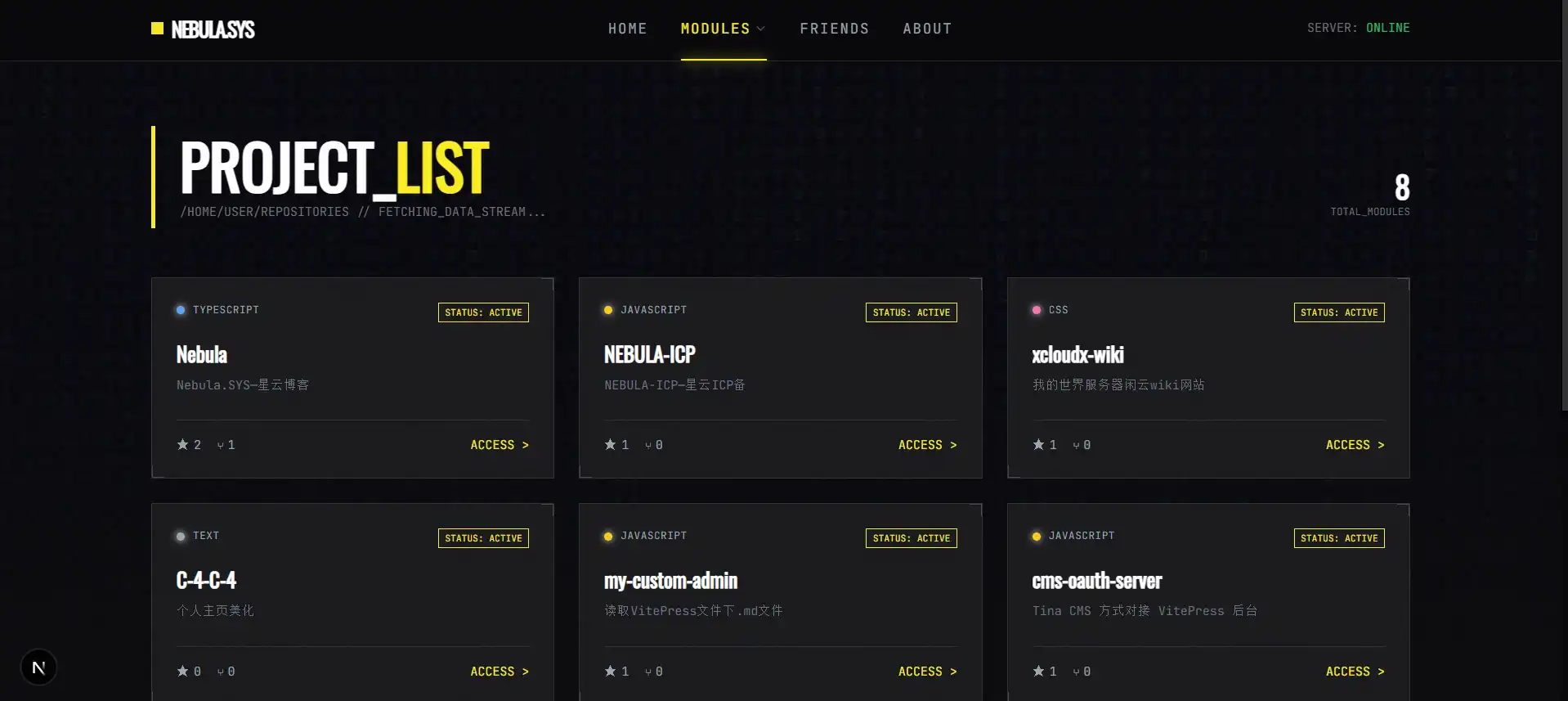
2、bilibili追番列表頁面#
· 數據源:公開的 B 站 API
原理:利用 B 站接口 https://api.bilibili.com/x/space/bangumi/follow/list。
參數:
vmid: 你的 UID。
type: 1 代表追番。
pn: 頁碼。
ps: 每頁數量。· 服務端數據抓取 (Server-Side Fetching)
在 src/lib/bilibili.ts 中,定義了 fetchBangumiList 函數頁面展示圖片:
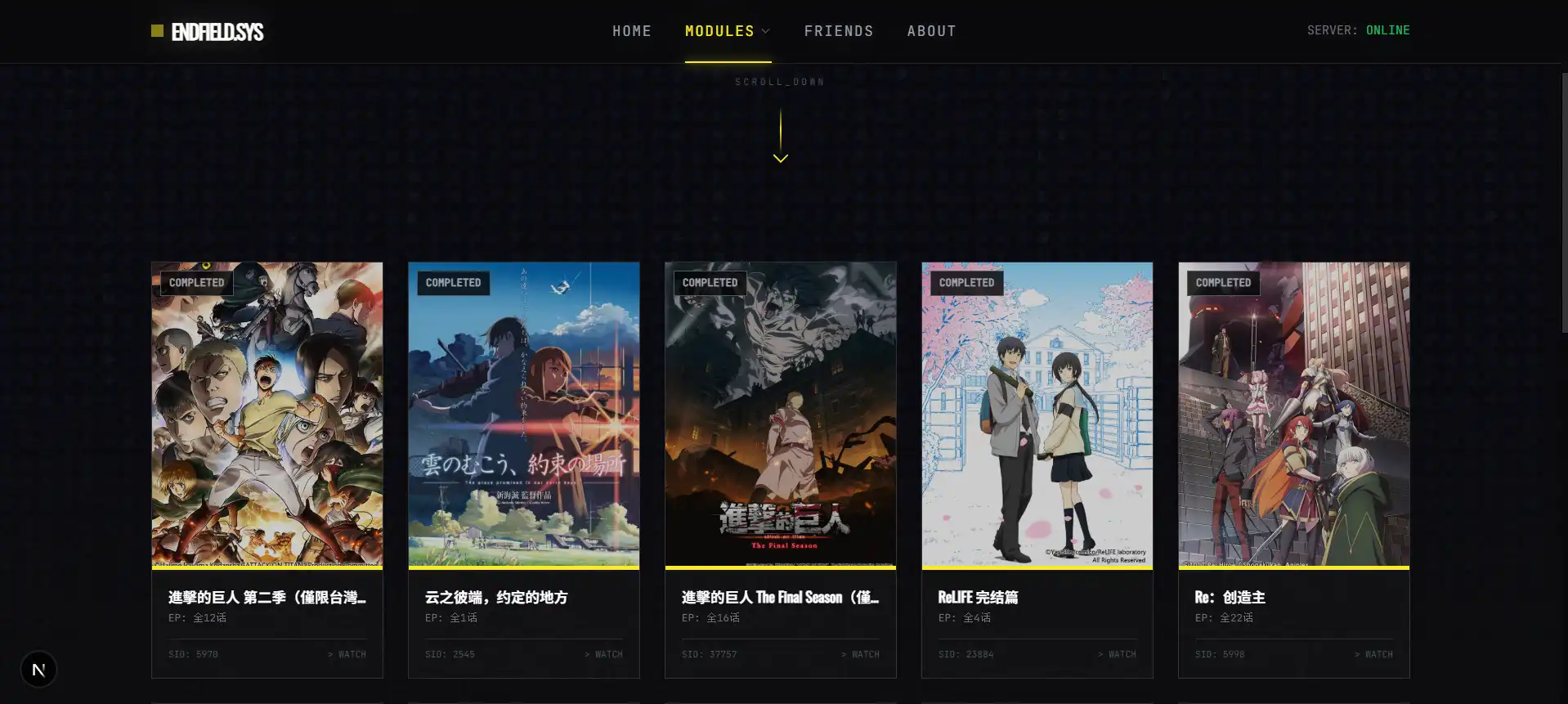
3、音樂播放頁面#
graph TD
    User[用戶訪問頁面] --> Page[讀取 songs.json]
    Page --> Player[渲染播放器組件]

    Player --1. 播放音頻--> NeteaseMP3[網易雲 MP3 接口]

    Player --2. 請求歌詞--> MyAPI[你的 API (/api/music/lyric)]
    MyAPI --3. 偽造請求頭--> NeteaseLRC[網易雲歌詞接口]
    NeteaseLRC --4. 返回歌詞數據--> MyAPI
    MyAPI --5. 轉發歌詞--> Player

Player --6. 解析並同步顯示--> UI[界面展示]頁面展示圖片:
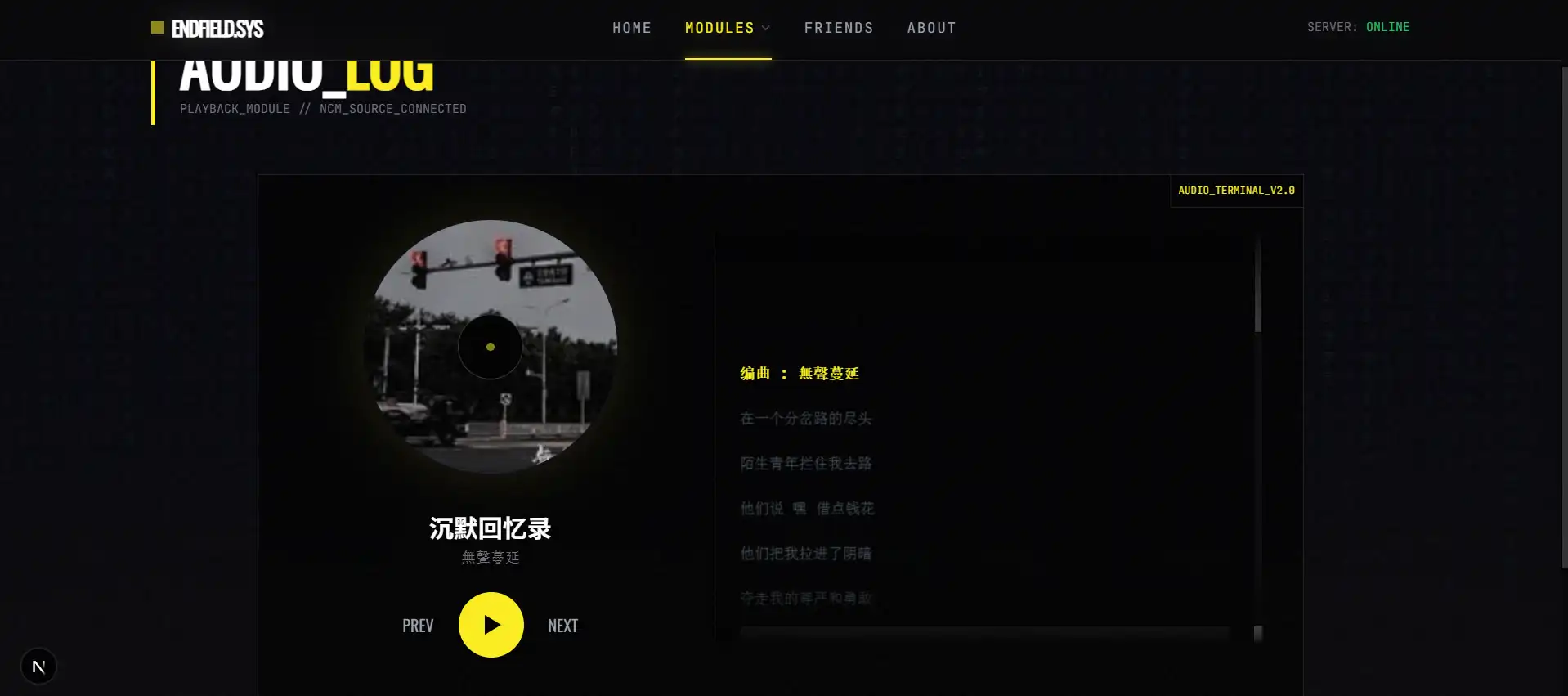
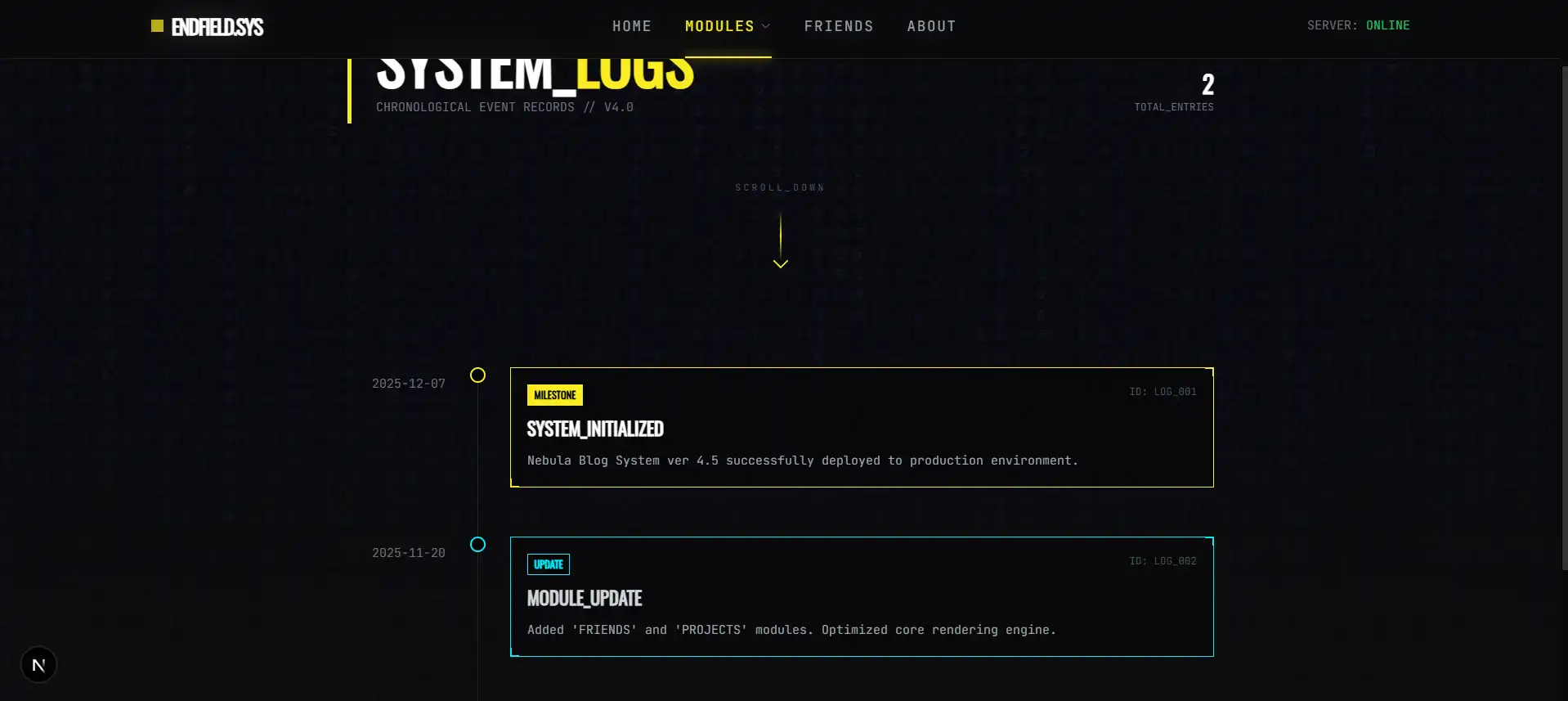
4、時間線頁面#
graph TD
    A[數據源: src/data/timeline.json] -->|讀取| B(服務端頁面: src/app/timeline/page.tsx)

    subgraph Server_Side_Rendering [服務端處理]
    B -->|1. fetchJsonData| B1[獲取 JSON 數據]
    B1 -->|2. sort| B2[按日期倒序排列]
    end

    B2 -->|傳遞數據 Props| C(客戶端組件: TimelineItem.tsx)

    subgraph Client_Side_Rendering [客戶端渲染]
    C -->|Framer Motion| D[執行進入動畫]
    C -->|CSS Styling| E[根據 Type 渲染不同顏色]
    end

D & E --> F[最終頁面展示]頁面展示圖片:
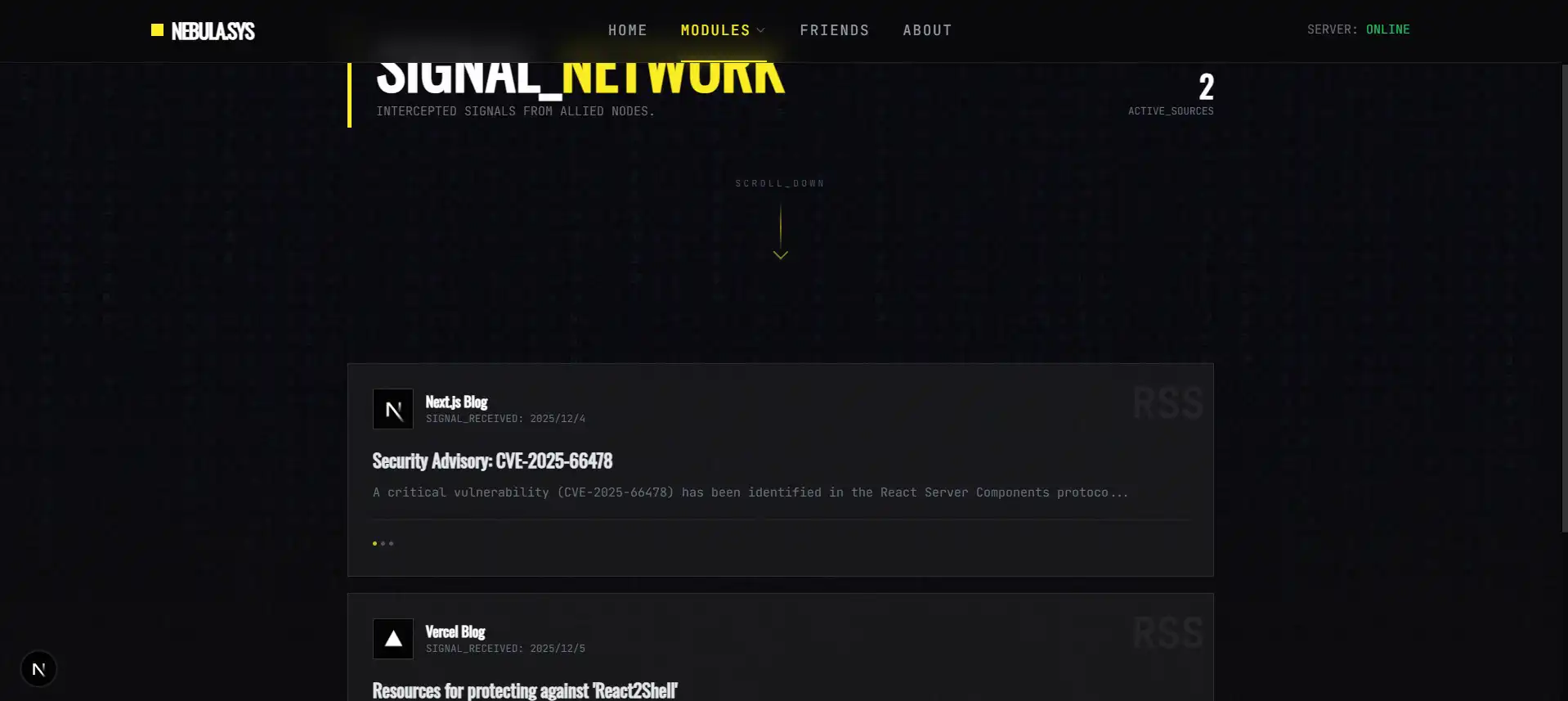
5、RSS訂閱列表頁面#
graph TD
    A[你的通訊錄] -->|讀取列表| B(信號接收塔)
    B -->|並發請求| C{外部好友的博客}
    C -->|返回 XML 數據| B
    B -->|翻譯/解析| D[標準化數據包]
D -->|發送給| E[你的朋友圈頁面]頁面展示圖片:
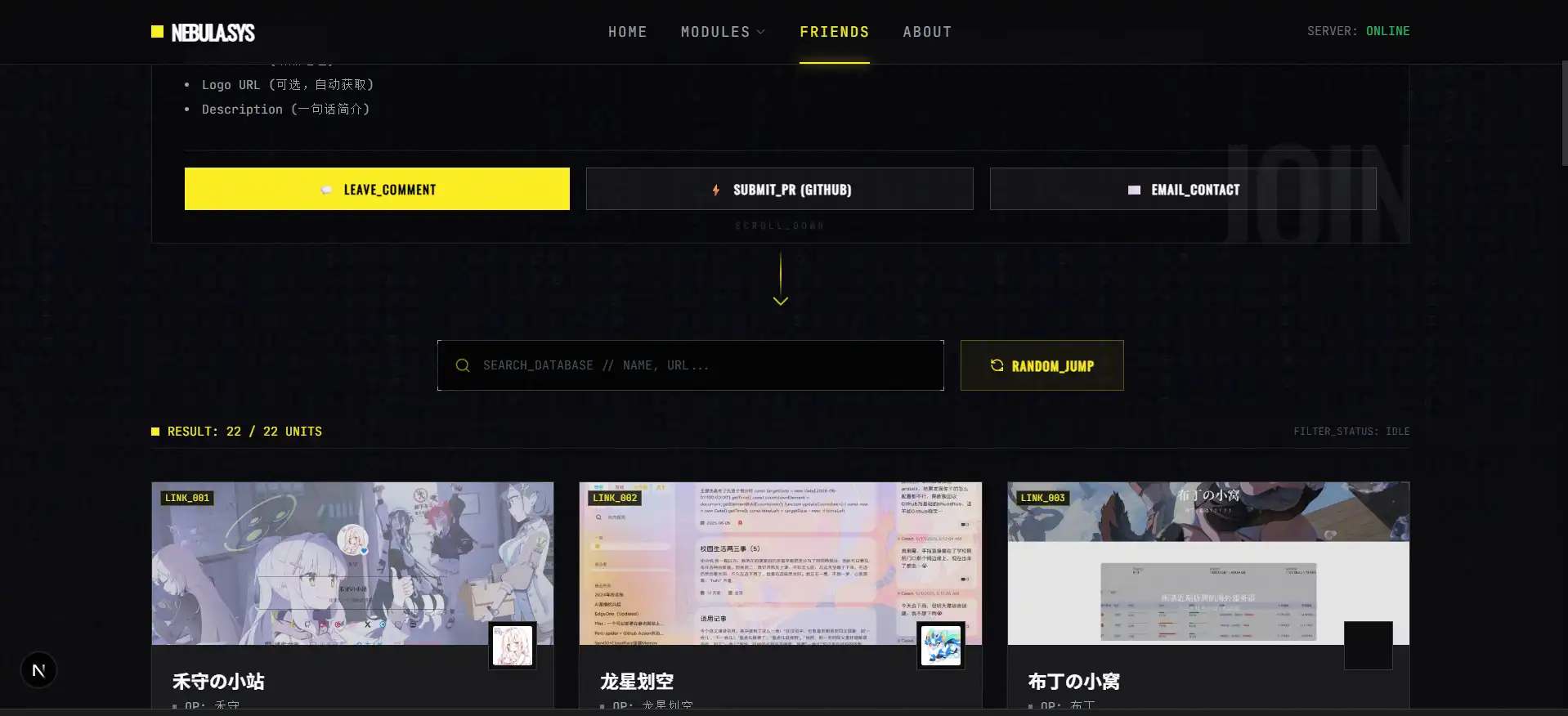
二、優化內容#
為友聯新增隨機傳送和搜索功能 頁面展示圖片:
三、想說的話#
好困,寫完這篇文章都7點51了,熬了一晚上,實在頂不住了!